
Download Z Mobile : Poster Maker – poster maker, flyer maker, social media graphics, design tool, customizable templates, background choices, text and sticker options, creative tool, visual art, event promotion, digital design, smartphone tool
Overview
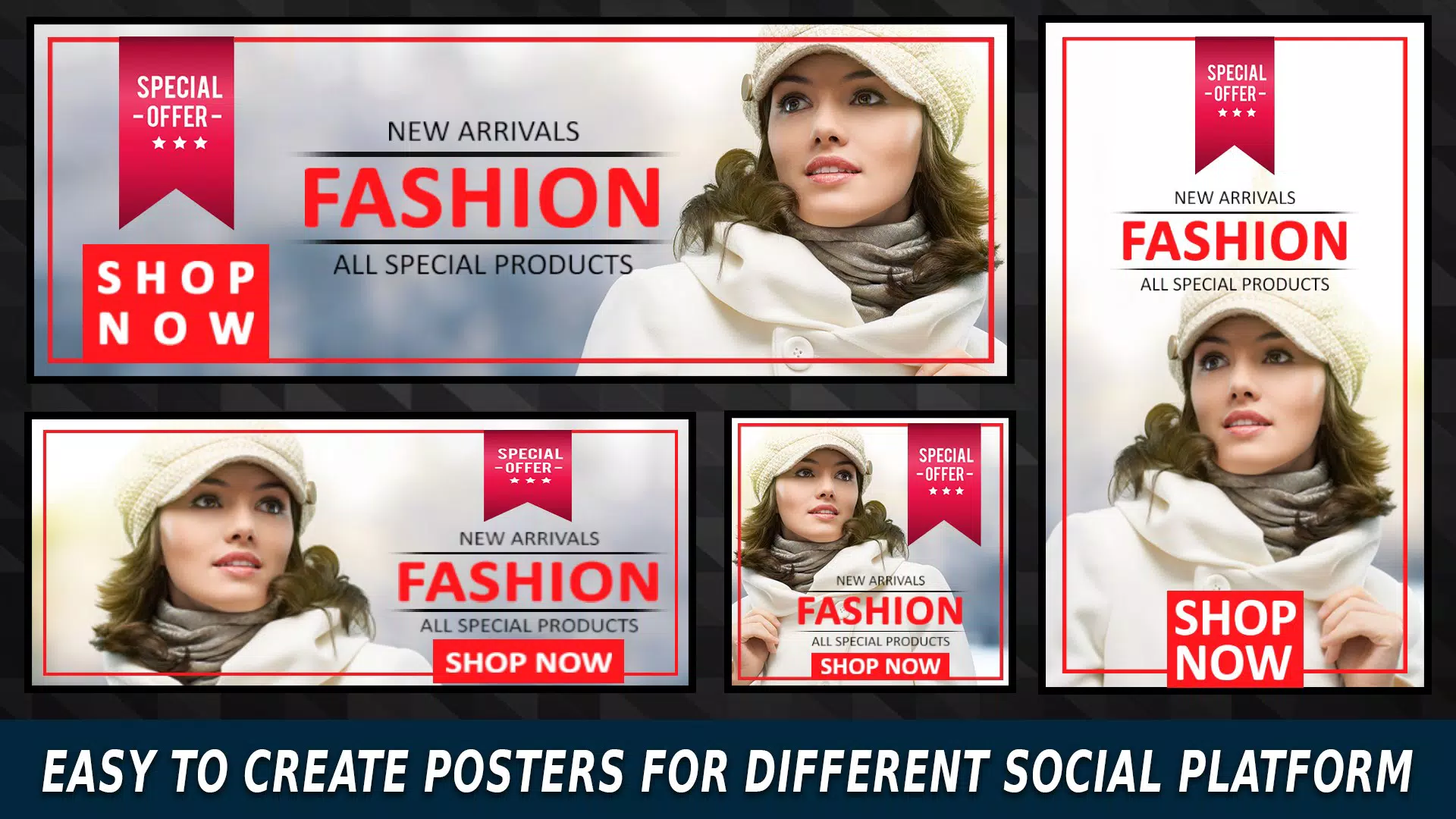
Z Mobile: Poster Maker is a productivity-focused mobile application designed to simplify the creation of visually engaging posters, flyers, and social media graphics. Targeted at individuals and small businesses seeking a fast, intuitive way to produce professional-looking designs, the app addresses the common challenge of limited access to graphic design tools. Whether promoting an event, launching a product, or sharing content on social platforms, users can transform ideas into polished visual assets in minutes. The app’s emphasis on accessibility makes it suitable for non-designers, students, educators, and entrepreneurs who need quick yet effective design solutions.
Developed by Z Mobile, the app operates within the Android ecosystem and has been available since January 17, 2019. While specific details about the developer’s background are not provided, the consistent release history suggests a focused commitment to utility and user experience. In the broader app ecosystem, Z Mobile: Poster Maker fills a niche by offering a streamlined alternative to complex desktop software, making graphic design more approachable on smartphones. Real-world use cases include school event announcements, local business promotions, social media campaigns, and personal creative projects. Its role as a digital design tool underscores its relevance in a mobile-first world where visual communication is paramount.
Key Features & Functionality
- User-Friendly Design Tools: The app features an intuitive interface that enables users of all skill levels to navigate and edit designs with ease. Simple drag-and-drop functionality and clear visual cues reduce the learning curve, making the design process enjoyable and efficient.
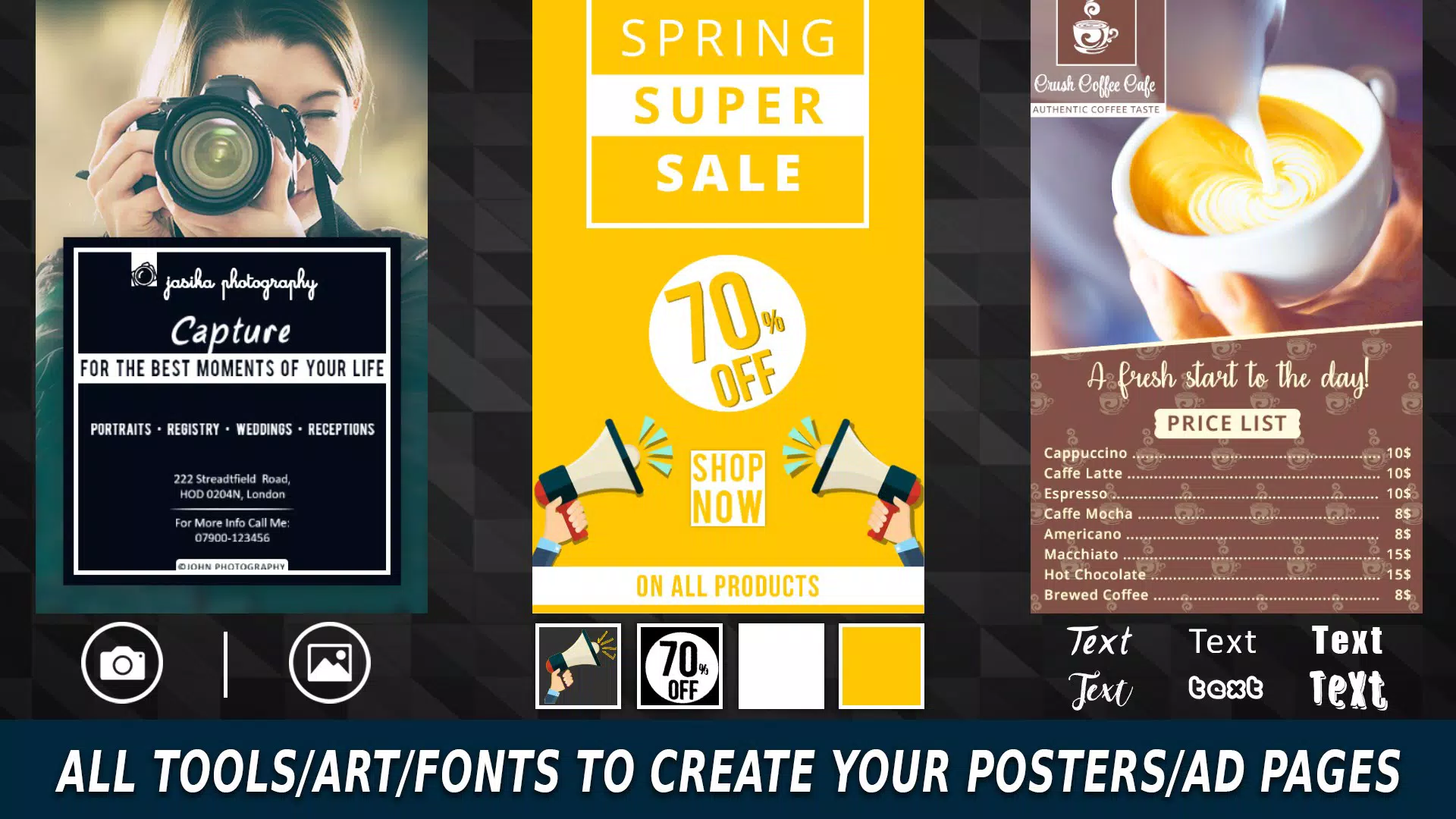
- Extensive Template Library: With hundreds of pre-designed templates tailored for different purposes—such as concerts, sales, parties, and educational events—users can quickly select a starting point that aligns with their project’s theme and goal.
- Customizable Backgrounds: Users can choose from over 120 built-in background options, each offering a unique aesthetic. The ability to upload personal images further enhances customization, allowing users to incorporate brand-specific visuals or personal memories into their designs.
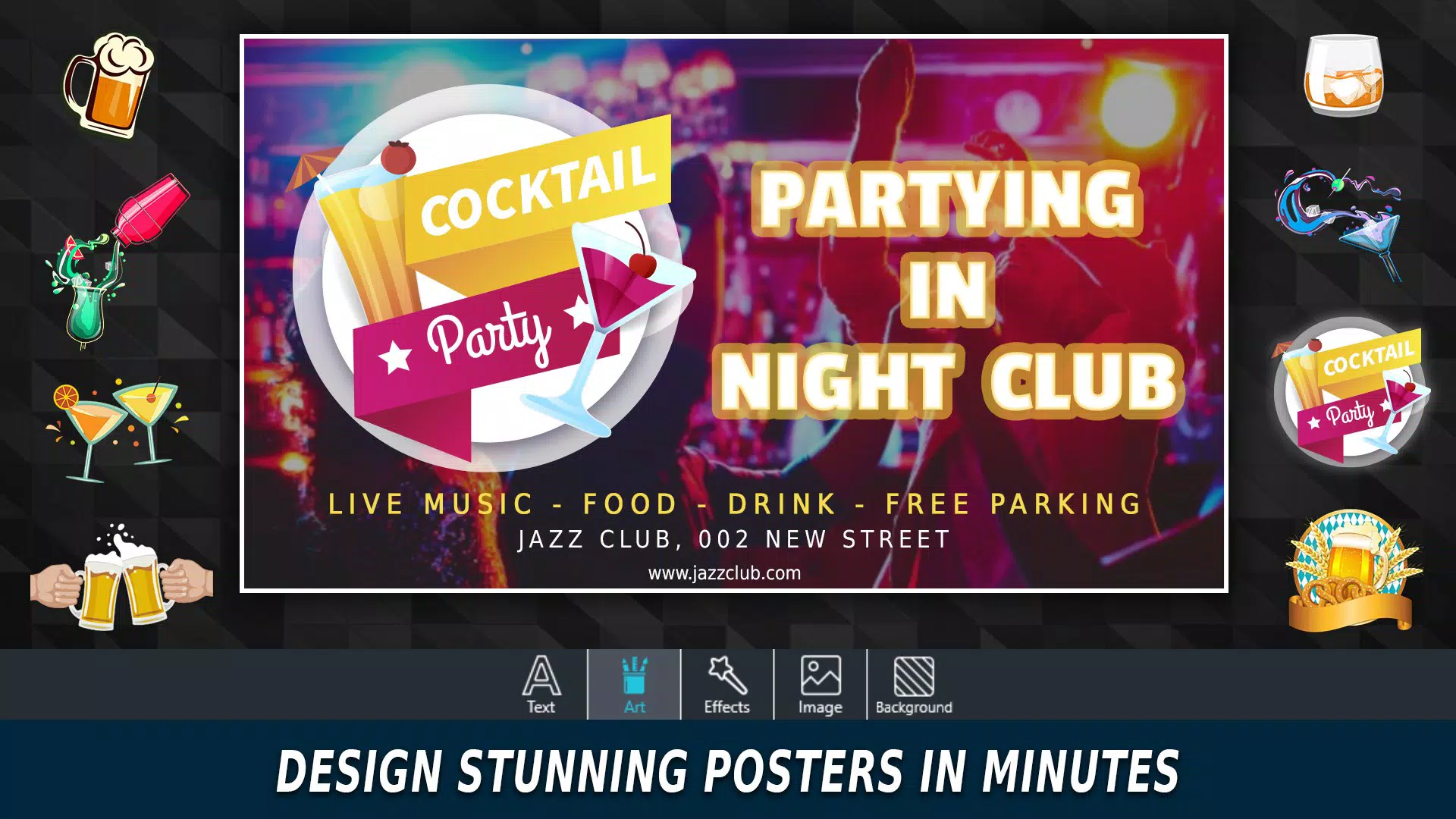
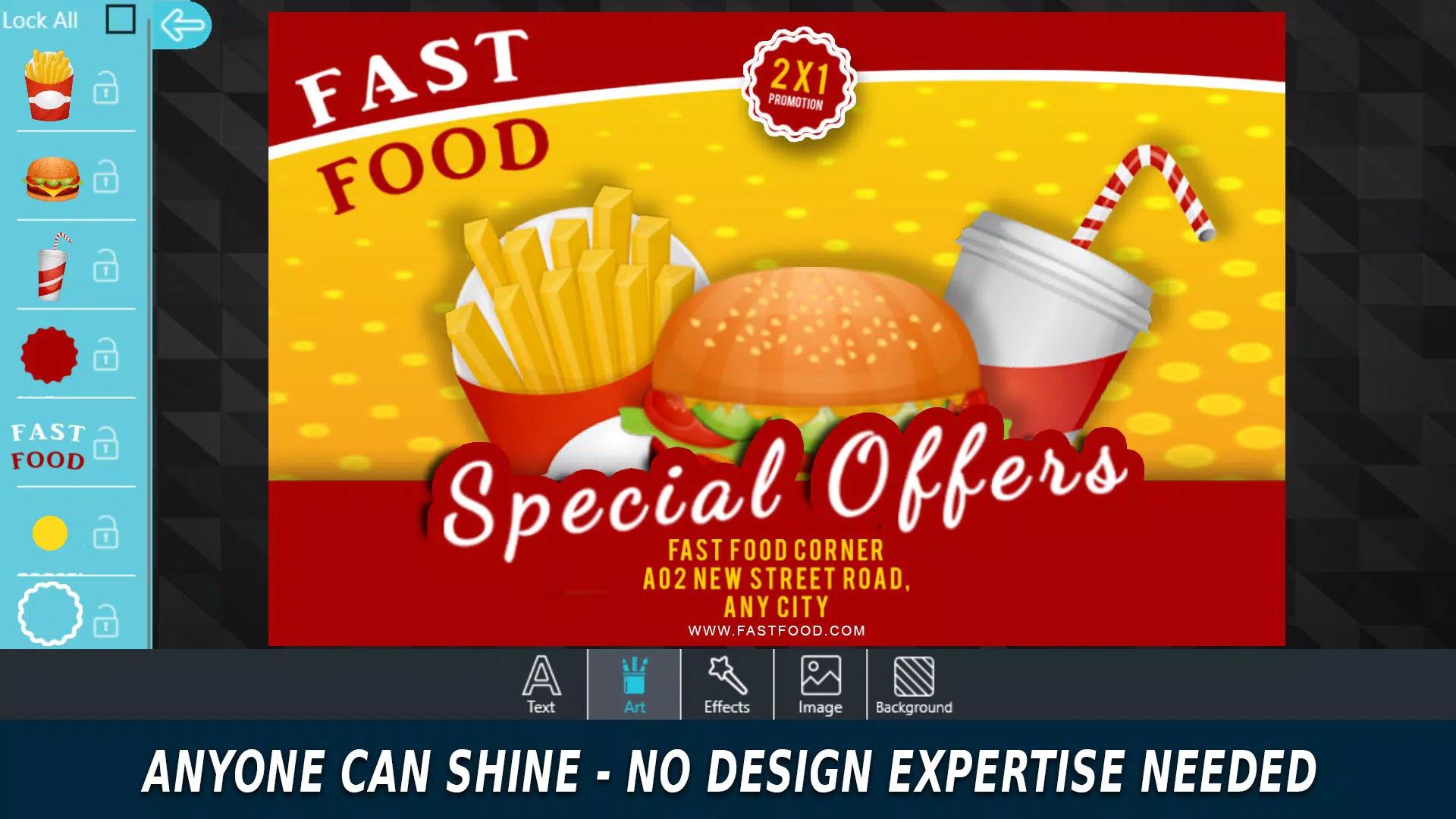
- Diverse Font and Sticker Options: A wide selection of fonts and stickers enables users to add personality and emphasis to their posters. These elements support both aesthetic appeal and message clarity, helping convey tone and urgency effectively.
- Easy Sharing Capabilities: Completed designs can be shared directly to social media platforms, saved to the device, or sent via messaging apps. This seamless integration supports rapid dissemination and increased visibility across digital channels.
For example, a local café owner can use a pre-made “Weekend Special” template, customize the background with a photo of their signature drink, apply a playful font, and add a sticker of a coffee cup—then share it on Instagram within minutes. Similarly, a student organizing a campus event can create a visually appealing flyer using a template, insert event details, and distribute it through WhatsApp groups.
Interface, UX & Performance
The app’s interface is clean and logically structured, prioritizing ease of access to core tools. Navigation is streamlined through a bottom menu bar with clearly labeled icons, allowing users to switch between templates, background selection, text editing, and sticker placement without confusion. The visual style is modern and minimal, focusing on functionality without overwhelming the user with unnecessary elements.
Although the developer did not list formal performance metrics, the app’s lightweight size of 23M suggests efficient resource usage. Users can expect responsive interactions across a range of Android devices, from budget smartphones to mid-tier models. The app maintains stability during common tasks such as image uploads, text resizing, and layer management. However, specific performance data across different hardware configurations was not disclosed.
Overall, the user experience is designed to be frictionless, with immediate feedback on edits and smooth transitions between editing modes. The absence of lag during basic operations indicates a well-optimized core engine. For users who value speed and simplicity in design workflows, Z Mobile: Poster Maker delivers a reliable and intuitive experience on mobile devices.
Platform Compatibility & Technical Requirements
Z Mobile: Poster Maker is available exclusively on the Android platform. The current version is 1.0.3, with a file size of 23 megabytes. This lightweight footprint ensures quick installation and minimal storage impact on most Android devices.
The developer did not specify minimum OS requirements or compatibility details for older or newer Android versions. As such, users should ensure their device meets standard Android 5.0 or higher requirements to run the app smoothly. Compatibility with specific device models or screen sizes was not fully disclosed.
Given the app’s free pricing model and focus on accessibility, it is likely designed to support a broad range of Android smartphones and tablets. However, users should verify their device’s capabilities before downloading to ensure optimal performance.
Pros and Cons
Pros
- Free to download and use, with no in-app purchase barriers
- Lightweight size (23M) ensures fast installation and minimal storage use
- Intuitive interface suitable for beginners and non-designers
- Over 120 customizable background options for diverse design choices
- Extensive template library supports various use cases and themes
- Integrated sharing tools for instant social media distribution
Cons
- Specific OS version requirements were not listed
- Developer did not provide information on device compatibility
- No details on update frequency or future feature roadmap
- Limited information on advanced editing tools or export formats
- Performance on older or low-end devices was not tested or disclosed
FAQ
Is Z Mobile: Poster Maker safe to download?
The app is available through official Android channels and is free of charge. As with any third-party application, users should ensure they download from trusted sources to maintain device security.
Can I use Z Mobile: Poster Maker on iOS devices?
Currently, the app is only available on Android. There is no official iOS version or release information.
Does the app require an internet connection?
Basic design and editing functions can be performed offline. However, sharing content to social media platforms may require an active internet connection.
Are the templates free to use?
Yes, all templates included in the app are free to use without additional costs or restrictions.
How often is the app updated?
The developer has not provided information on update frequency. Users are advised to check for updates regularly through the app store.
Final Thoughts
Z Mobile: Poster Maker stands out as a practical and accessible tool for anyone needing to create compelling visual content on the go. Its combination of customizable templates, diverse design elements, and straightforward interface makes it ideal for users who value speed and simplicity. Whether promoting a local event, designing a social media post, or crafting a personal message, the app delivers a solid experience without requiring design expertise.
For students, small business owners, educators, and creative hobbyists, Z Mobile: Poster Maker offers a valuable solution in the mobile productivity space. Its free model and lightweight design enhance its appeal, especially in regions where access to high-end design software is limited.
With a clear focus on usability and visual impact, the app successfully bridges the gap between creativity and accessibility. Download Z Mobile: Poster Maker now


